Over the last few days, I’ve been experimenting with building small desktop tools using AI-assisted development workflows.
One of the results is Pomo — a lightweight Pomodoro timer designed specifically for macOS.
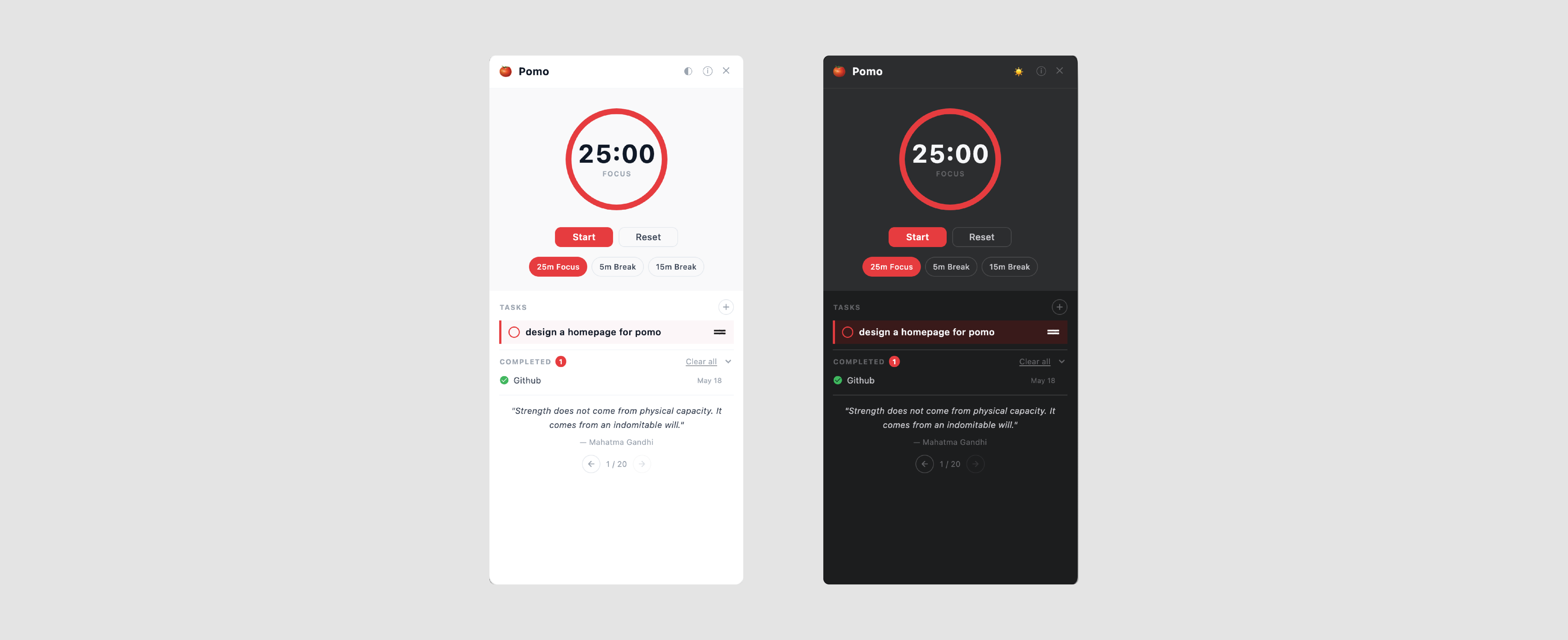
The idea was simple: create a focus timer that feels calm, minimal, and frictionless to use throughout the day.
Instead of building a productivity app overloaded with dashboards, analytics, and complicated systems, I wanted something quieter — a tool that simply helps you focus.
Features
- 25-minute Pomodoro focus timer
- 5-minute and 15-minute break presets
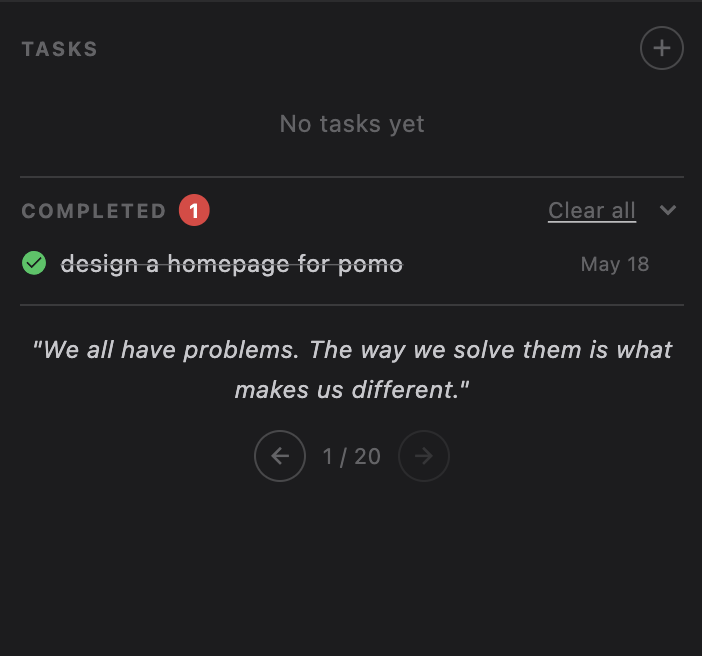
- Simple task management
- Completed task tracking
- Motivational quote section
- Minimal native macOS interface
Built With AI-Assisted Development
What made this project especially interesting was how it was built.
Most of the development process involved working alongside Claude Code, using AI as a collaborative development partner rather than just an autocomplete tool.
From debugging layouts to refining interactions and iterating on visual details, the workflow felt surprisingly fluid and fast.
The app itself was built using Flutter for macOS, which made it possible to quickly ship a polished native desktop experience.
Why I Made It
I’ve always liked software that stays out of the way.
A lot of productivity tools today feel visually noisy and overly engineered. Pomo is an attempt to go in the opposite direction — something lightweight, visually calm, and pleasant to keep open while working.
This is still an early version, but building it taught me a lot about combining design thinking with AI-assisted software development.
I’ll probably continue refining it over time.